


HTC squeeze feature is getting new add-ons

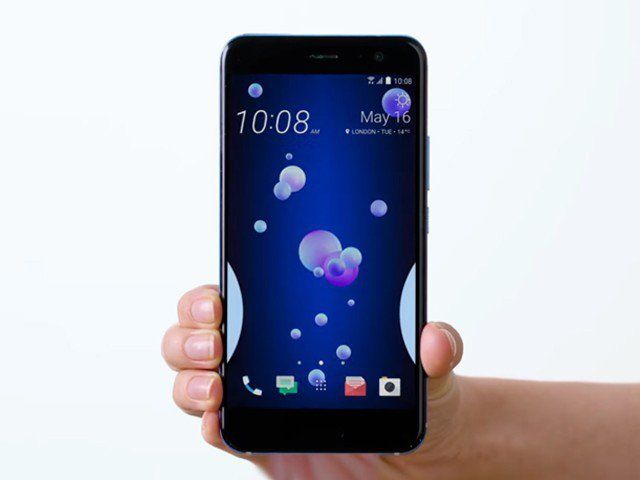
The thing that sets the U11 and U11 Plus from other devices apart is definitely EdgeSense which is a new way of interaction with your Android device: you simply “squeeze” the U11 in your hand which will open up the camera application, or whichever other application you have set. This function is active in the sleep mode as well. You can also shoot photos by simply pressing the sides of your device. Another option is that you can set-up the EdgeSense to, for example, open up the camera with a shorter press, while the longer press opens, for instance, Google Assistant. Great, isn’t it?
U11 and U11 Plus models are now getting new features, and you can set up this parameter and get a new scrool wheel with which you can quickly reach some phone shortcuts such as a flashlight, a Wi-Fi switch, calculator or other applications! From now on, you can also turn on this menu also from the sleep state by simply squeezing device along the edges, without having to unlock the phone beforehand, which will surely improve the opening time to your essential applications.

HTC Edge Launcher is available for download on the link below.